If you have forgotten your password you can change your password tapping on "Forgot Password" in the login process.
To get to the "Forgot Password" link, enter your email address used to create your account and tap on "Continue.
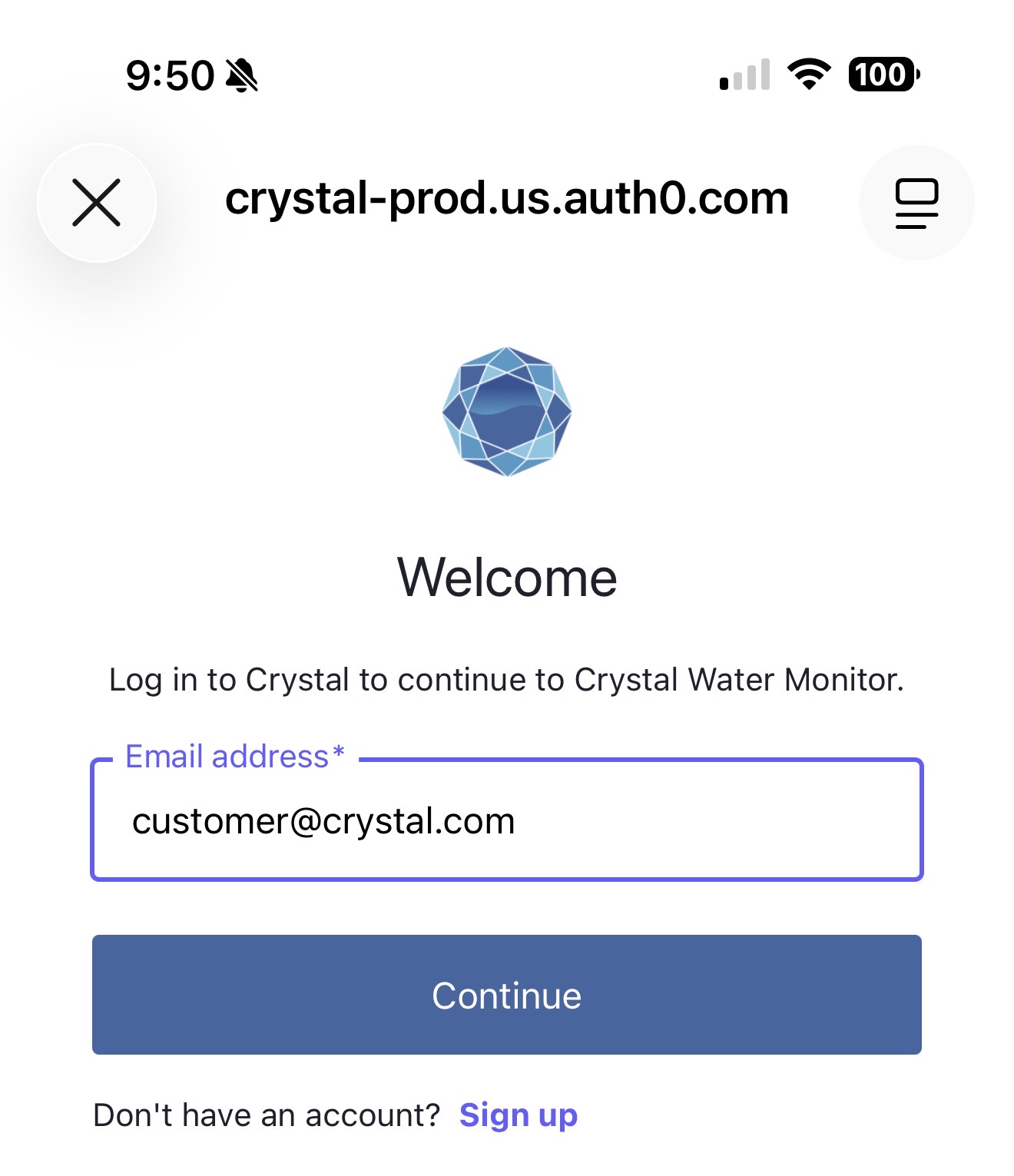
Once you tap "Continue" you will be presented with a screen where you can tap on "Forgot Password?"
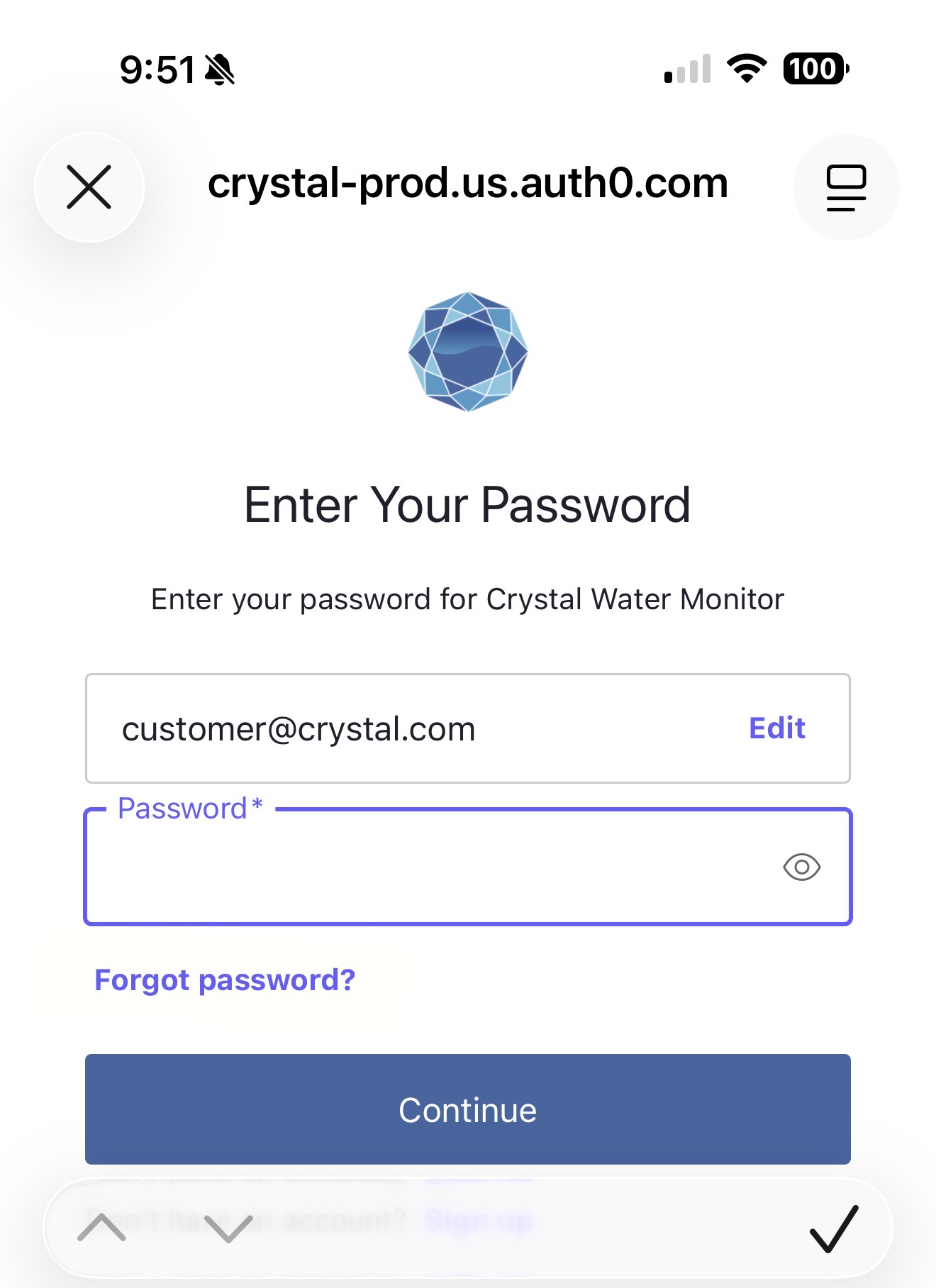
You will then be sent an email with instructions on how to reset your password.
NOTE: If you signed up using Apple or Google Authentication, you will need to go through their process for password retrieval.